Manga · Manhwa · Comics · BD

Your comics,
read like a printed book.

Open the CBZ, CBR, PDF and EPUB files you already own. Two pages sit side by side on iPhone Duo and iPad. Speech bubbles get translated right on the page.

Free for 3 books No ads, no tracking iPhone · iPad · Mac

iPhone Duo, open, running Kitebubble: two comic pages side by side.

Drag a corner. The page curls, just like in the app.

CBZCBRPDFEPUBZIPRARKOMGAKAVITACALIBREWEBTOON
Pro + AI

Bubbles translated, right on the page.

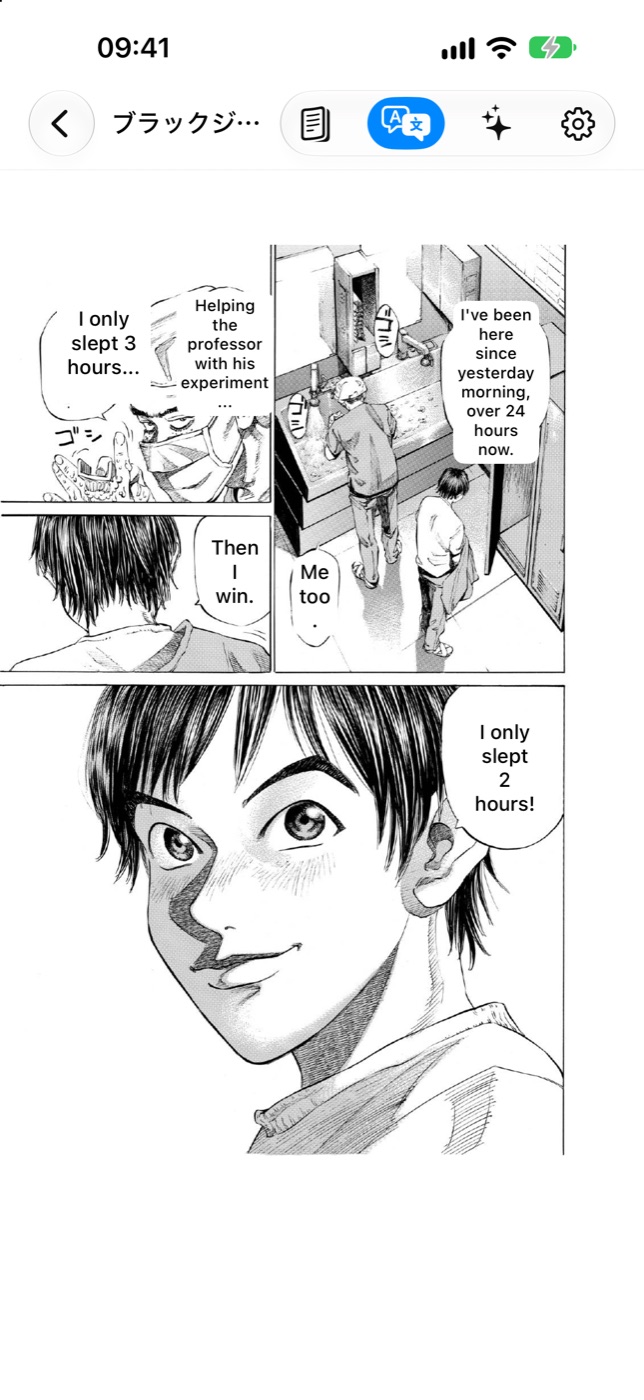
The app finds the speech bubbles on your phone and writes the translation inside them. Nine languages: English, Japanese, Korean, Chinese (Simplified and Traditional), French, Spanish, Brazilian Portuguese and German.

  • Character names stay the same from page to page.
  • A recap of the story so far, from the pages you read.
  • “Who is this?” with no spoilers.

AI translations can contain mistakes.

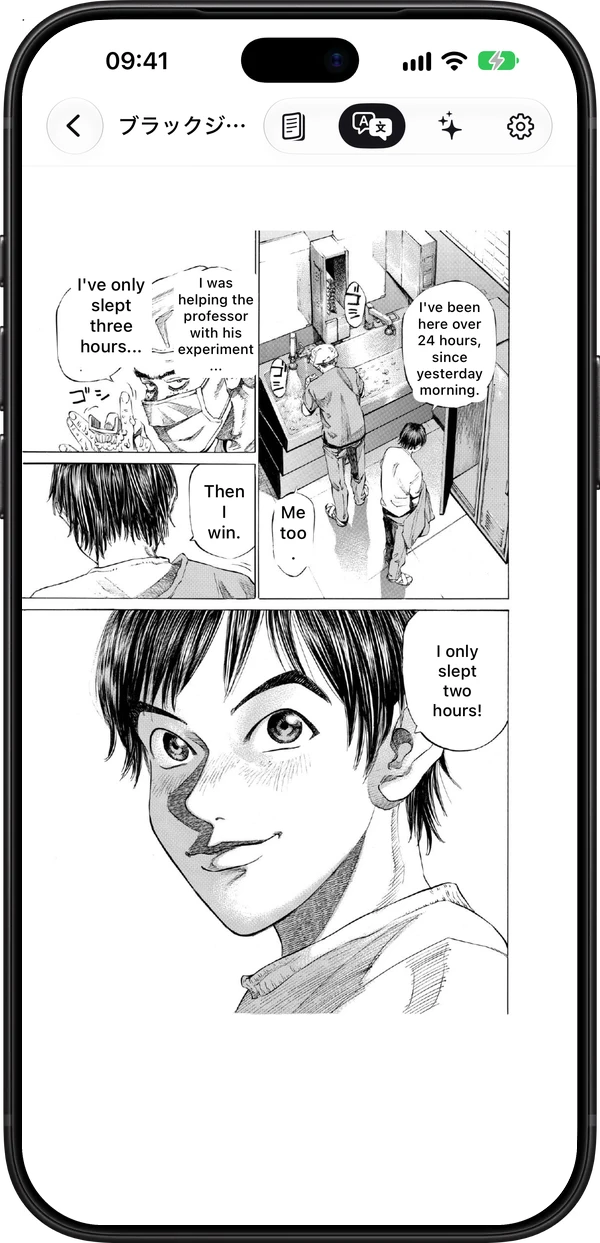
A manga page in Kitebubble on an iPhone, with the speech bubbles translated into English.

2時間しか寝てない!Japanese I only slept 2 hours!English 두 시간밖에 못 잤어!Korean 我只睡了两个小时!Chinese ¡Solo dormí 2 horas!Spanish Só dormi 2 horas!Portuguese J’ai dormi que 2 heures !French Ich hab nur 2 Stunden geschlafen!German

Your files, your servers

Bring the comics you already have.

Add files from the Files app, or connect your home comic server. The reading direction comes from the file: right to left for manga, left to right for comics. Webtoons scroll as one long strip.

  • CBZ, CBR, ZIP, RAR, PDF and EPUB. Novels in EPUB too.
  • Komga, Kavita and Calibre over OPDS. Your page syncs back to Komga and Kavita.
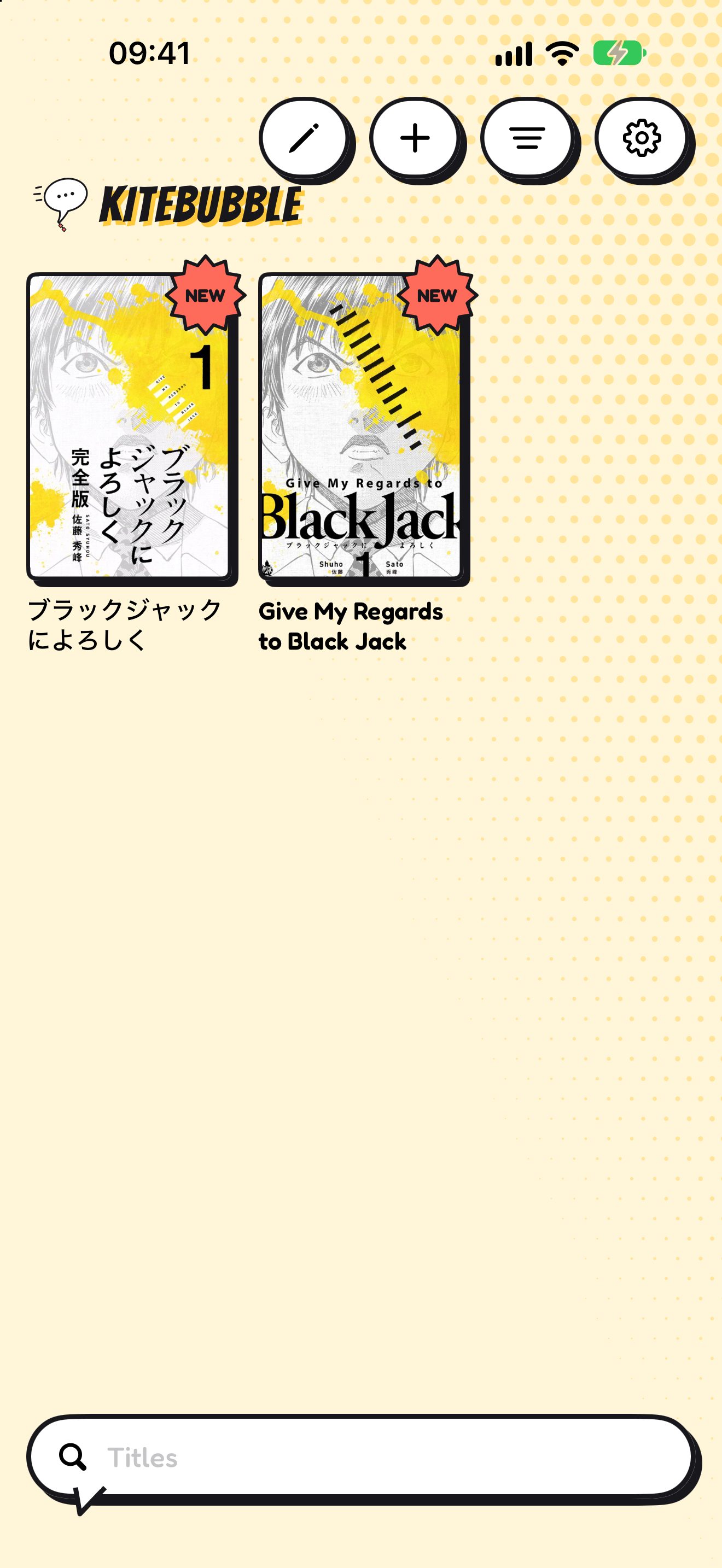
  • A library with covers, series stacks, search, filters and collections.
  • With Pro: books and your place sync over iCloud to every device.
The Kitebubble library on an iPhone in the Comic look: two book covers with ink outlines and offset shadows.

No ads. No tracking. Whole pages never leave your phone.

Every screen

One page in your hand. Two when it opens.

The same reader on iPhone, iPad and Mac. iPhone Duo opens into two pages around the fold. Close it, and the book’s cover shows on the outside screen.

iPhoneiPhone DuoiPadMac
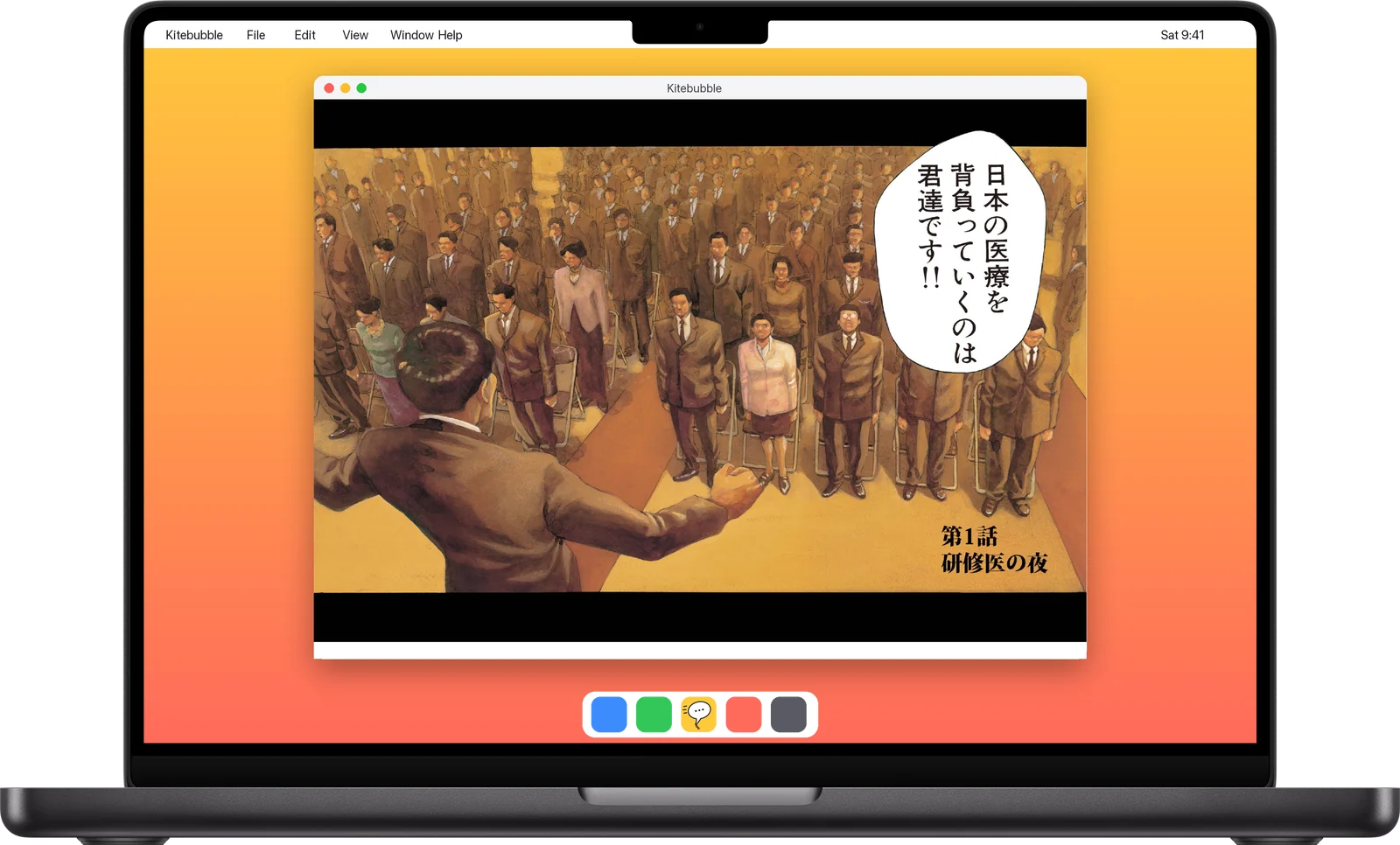
MacBook Pro 14-inch running Kitebubble in a window: a colour manga page.
Mac
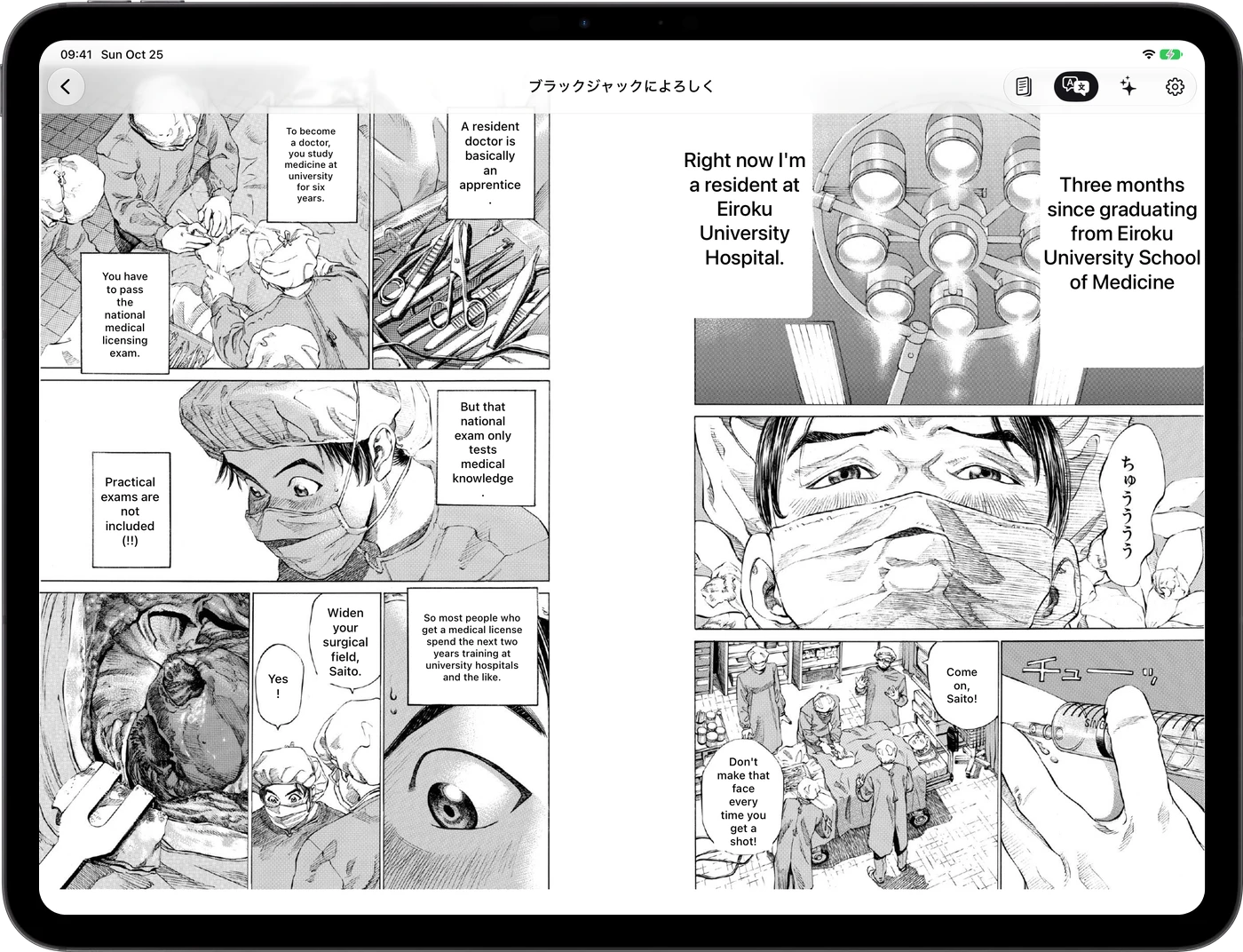
iPad Pro 13-inch running Kitebubble: two manga pages with their bubbles translated into English.
iPad
iPhone Duo, open, running Kitebubble: two comic pages side by side.
iPhone Duo · drag a corner
iPhone 18 Pro Max running Kitebubble: a manga page with its bubbles translated.
iPhone

Swipe sideways to see every device. Shown at real relative sizes. Device images: Apple.

Every tradition

From Hokusai to webtoons. One reader.

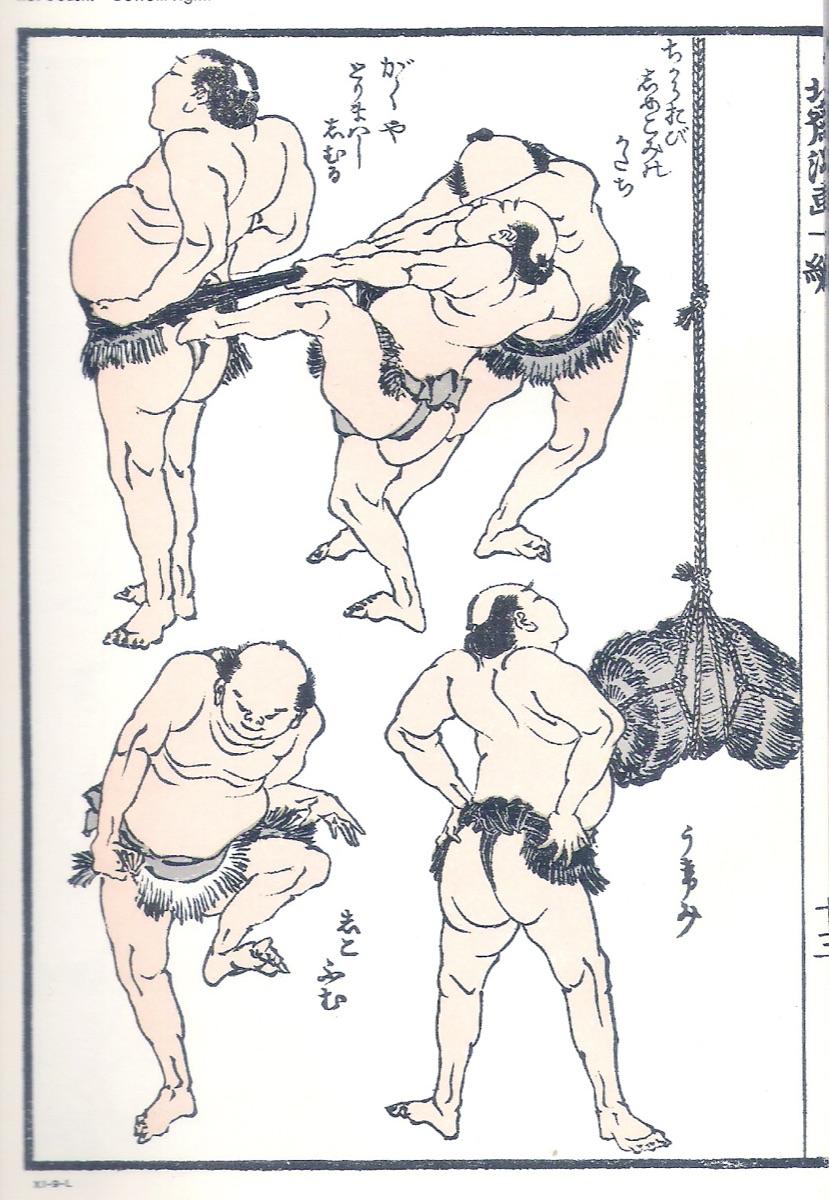
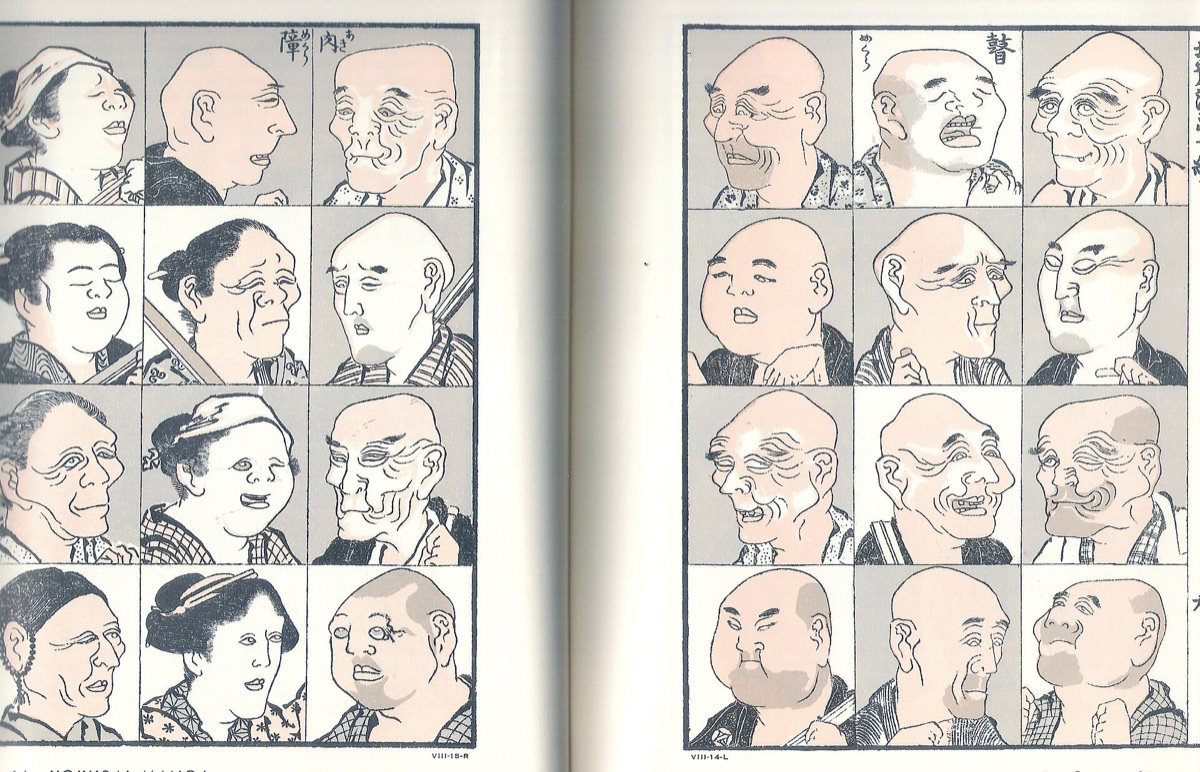
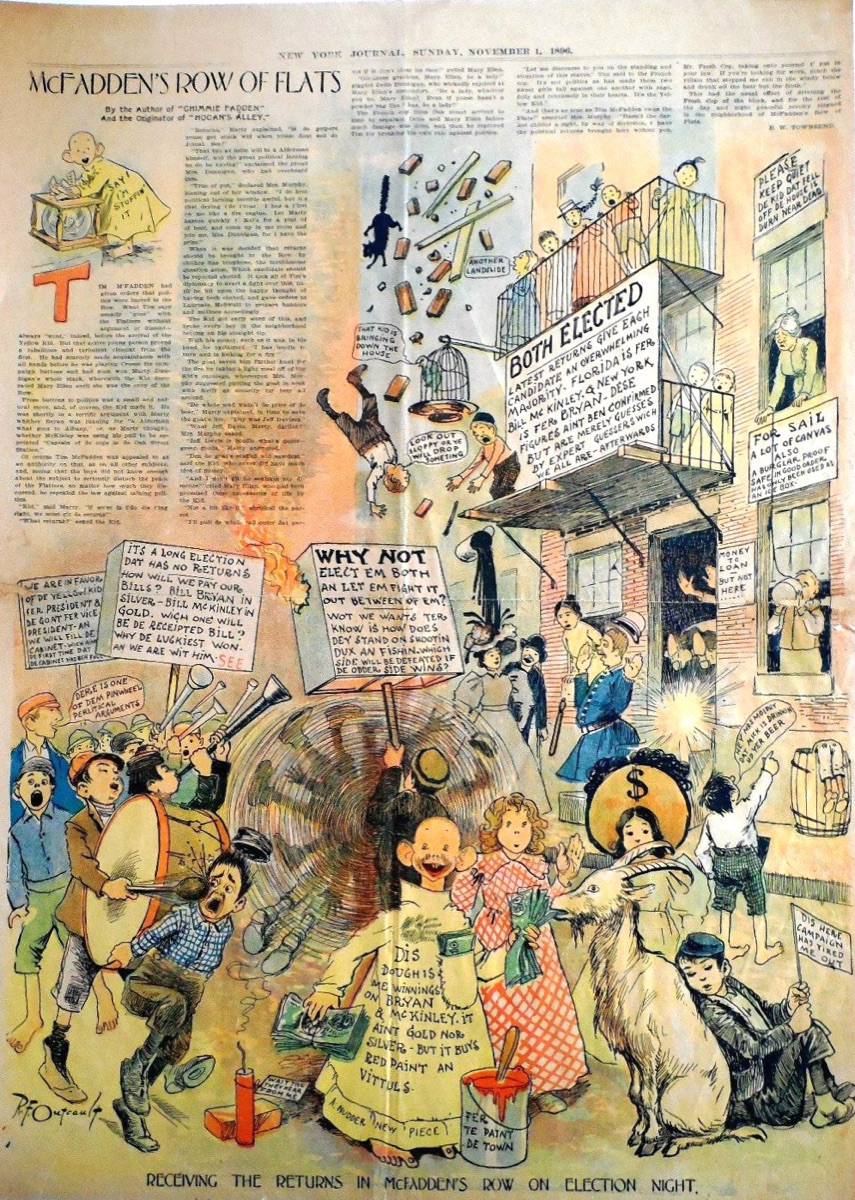
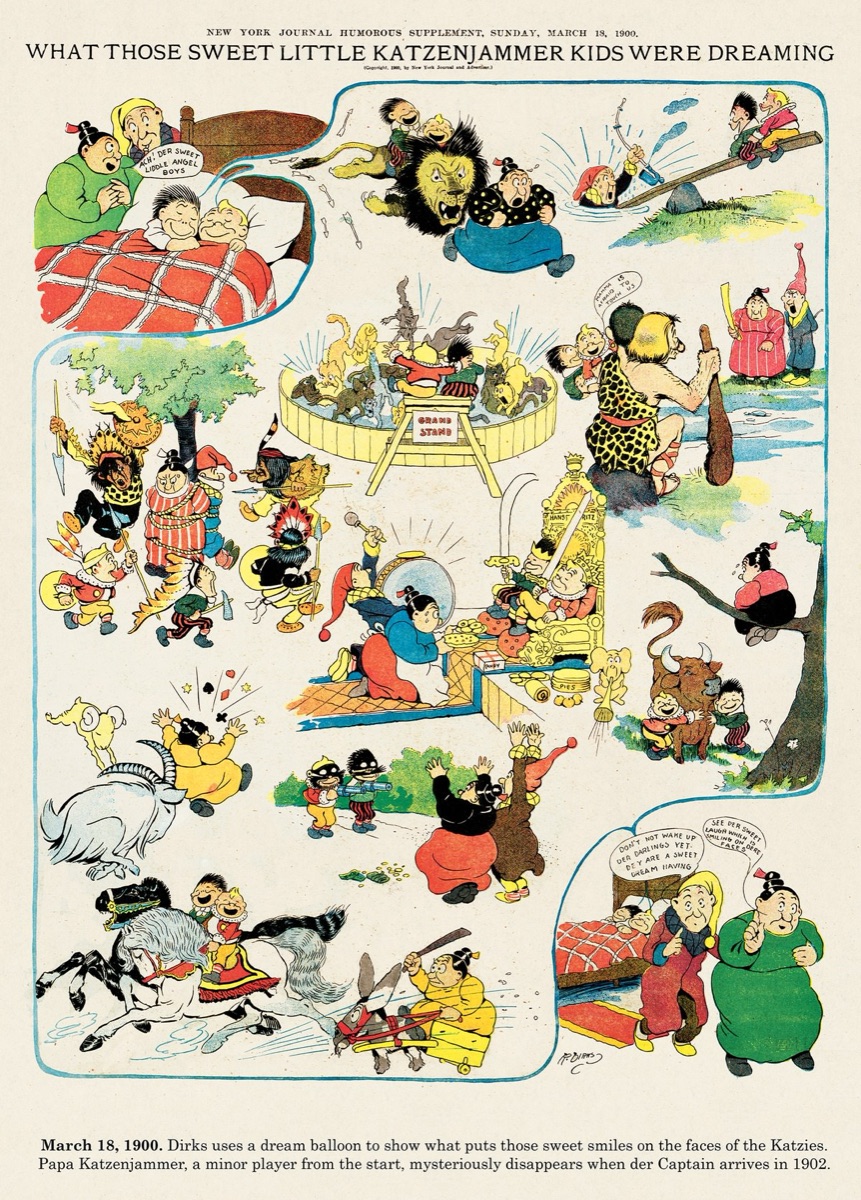
Two hundred years of comics, all free to read: Japanese manga, American Sunday pages from The Yellow Kid to Gasoline Alley, Golden Age covers and today’s webcomics. Scroll sideways. If it is a file you own, it opens.

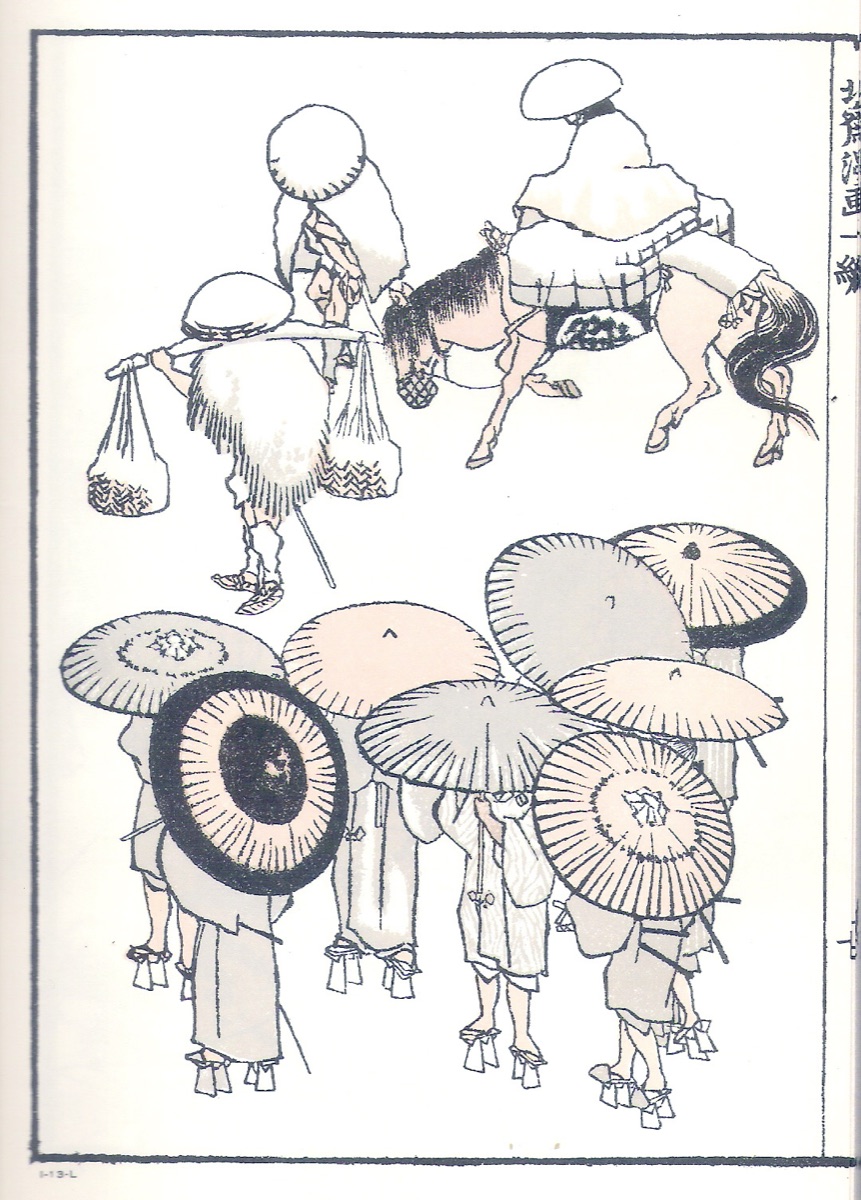
A page of sketches from the Hokusai Manga: people in motion, drawn in ink.
Hokusai Manga, 1814Katsushika Hokusai · public domain
Another page of the Hokusai Manga: figures and studies in ink.
Hokusai MangaKatsushika Hokusai · public domain
A page of animal and figure sketches from the Hokusai Manga.
Hokusai MangaKatsushika Hokusai · public domain
The Yellow Kid, a New York Journal Sunday comic from 1 November 1896.
The Yellow Kid, 1896R. F. Outcault · public domain
A Katzenjammer Kids Sunday page from March 1900.
Katzenjammer Kids, 1900Rudolph Dirks · public domain
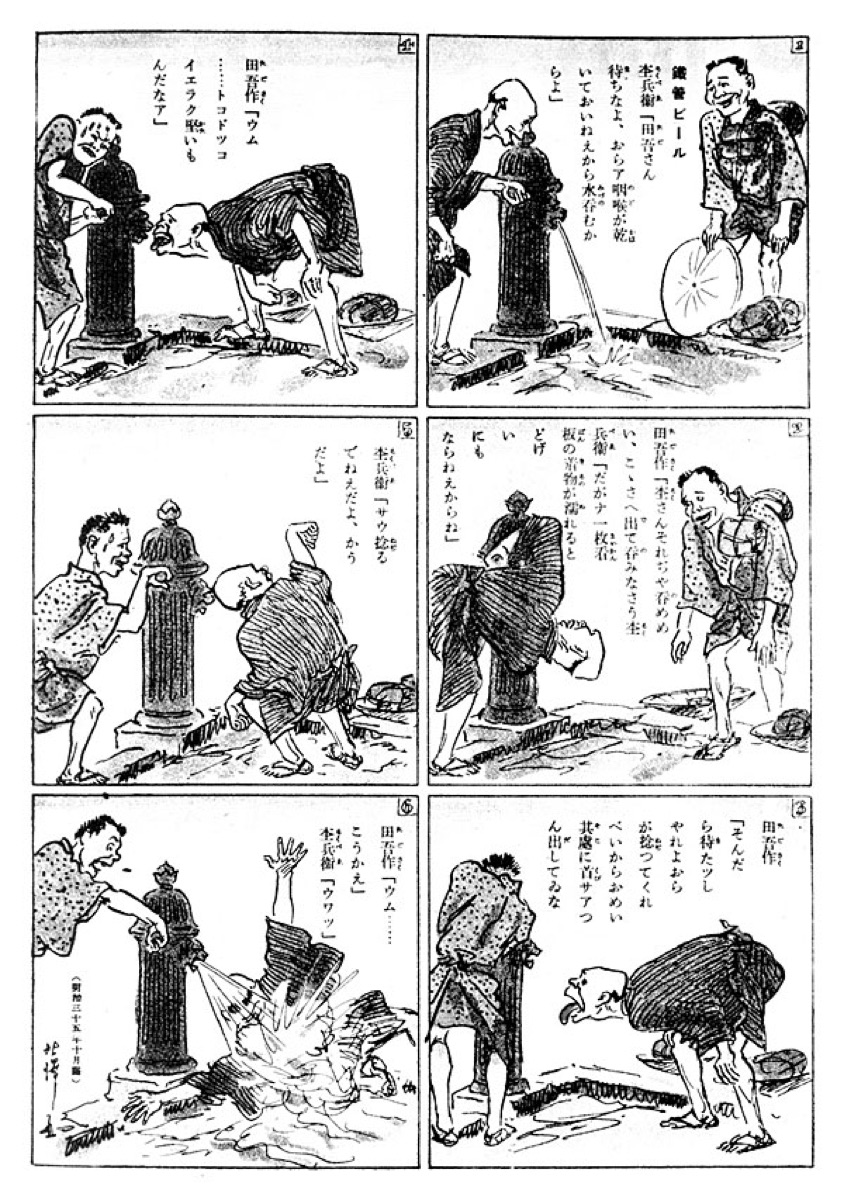
Tagosaku and Mokube Sightseeing in Tokyo, a 1902 comic strip by Rakuten Kitazawa.
Tagosaku to Mokube, 1902Rakuten Kitazawa · public domain
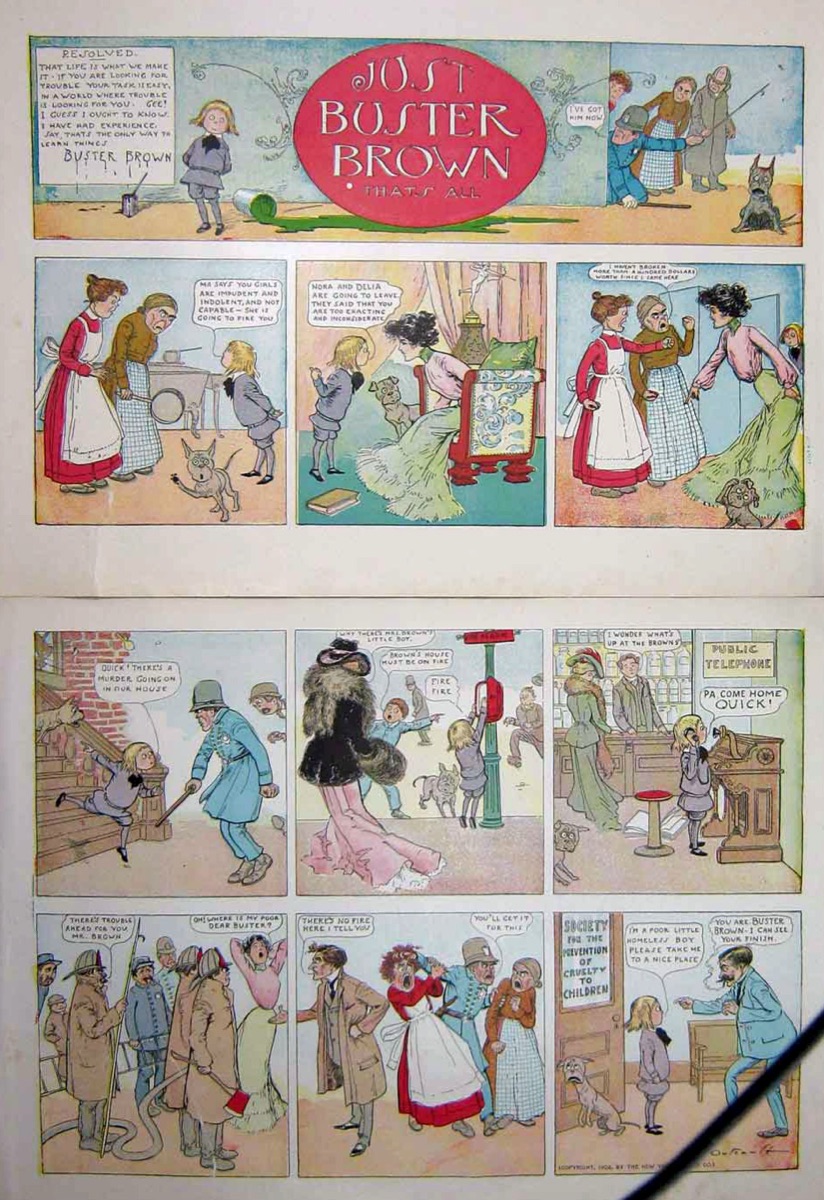
Buster Brown and the policeman, a Sunday page from 1903.
Buster Brown, 1903R. F. Outcault · public domain
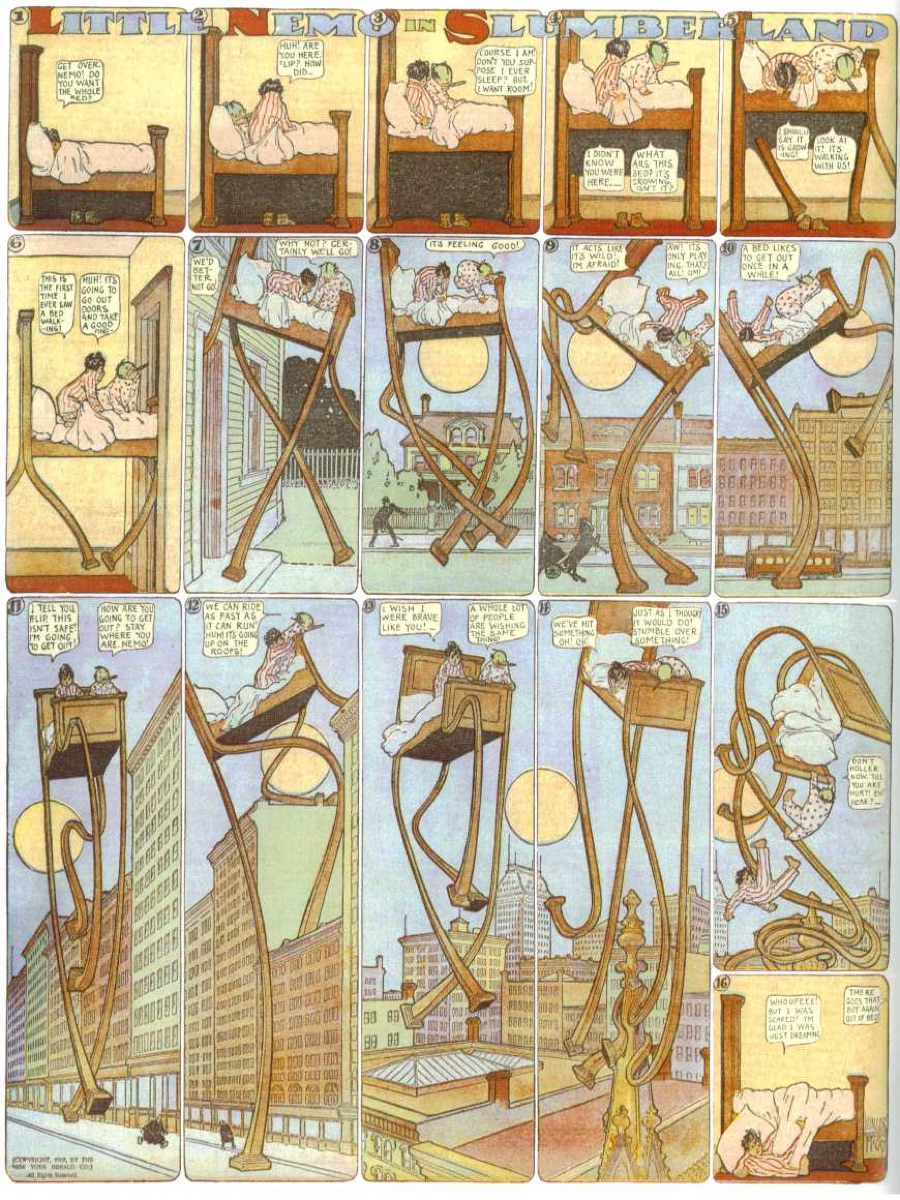
A Little Nemo in Slumberland Sunday page from 1908.
Little Nemo, 1908Winsor McCay · public domain
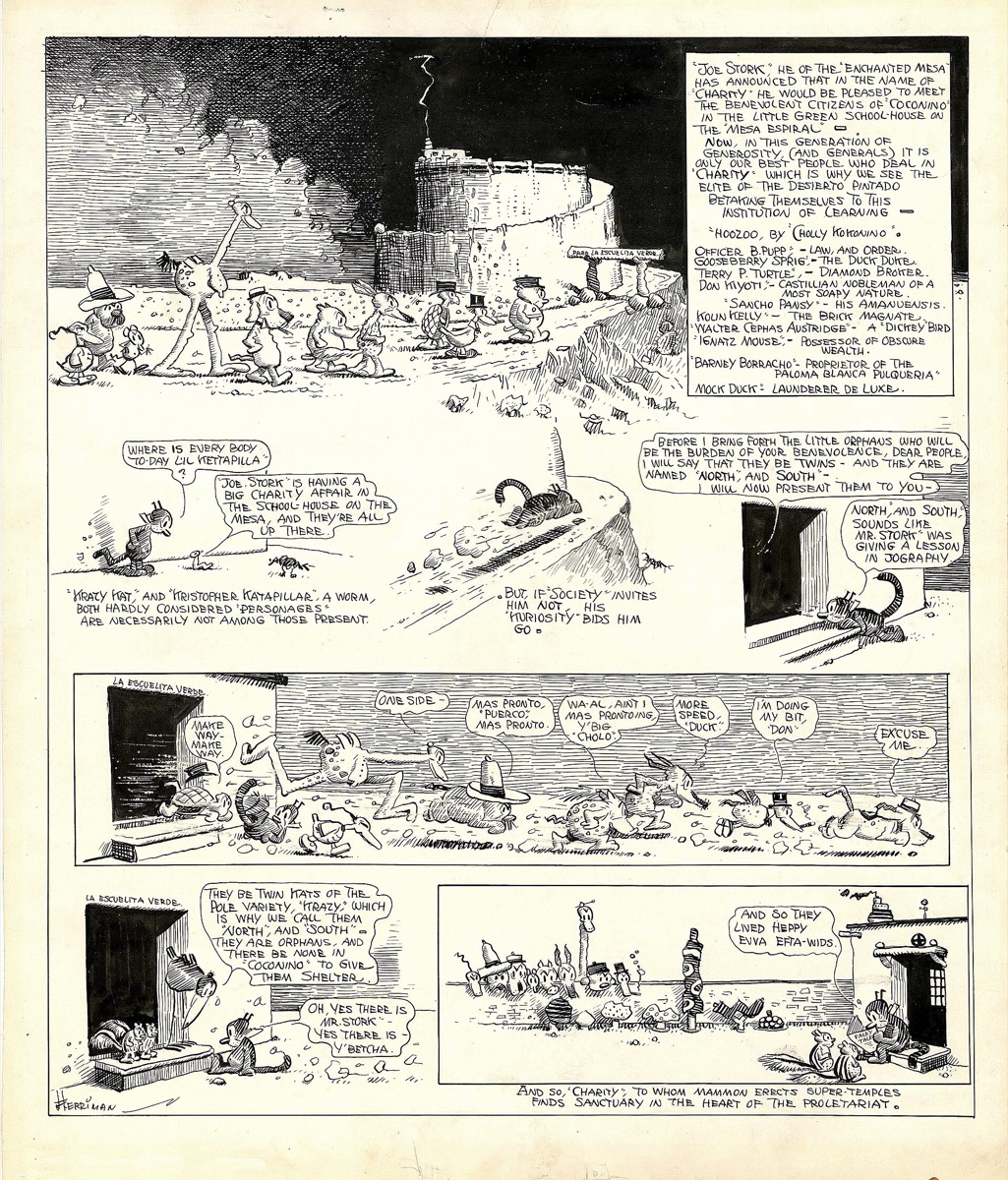
A Krazy Kat Sunday page from 1918.
Krazy Kat, 1918George Herriman · public domain
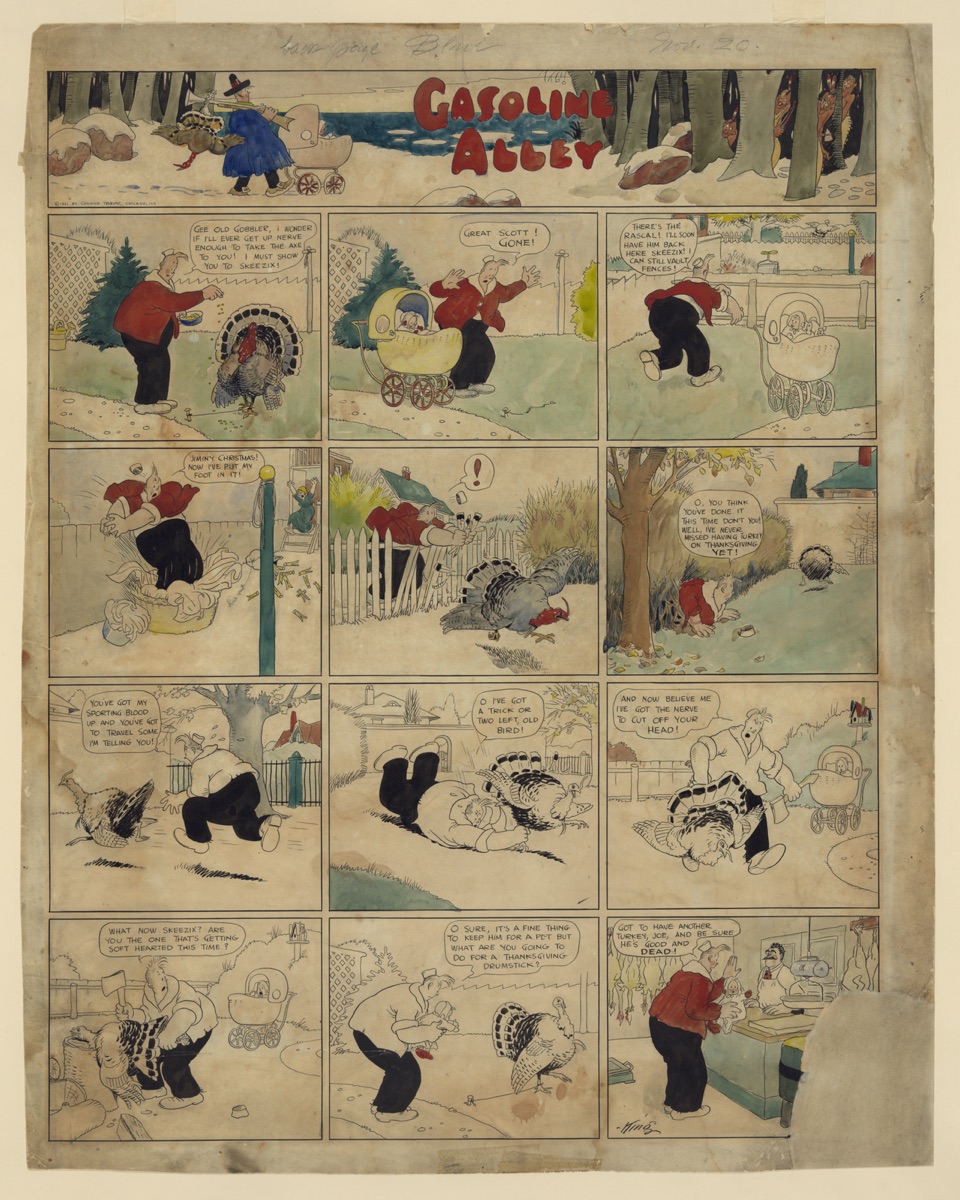
A Gasoline Alley Thanksgiving Sunday page from 1921.
Gasoline Alley, 1921Frank King · public domain
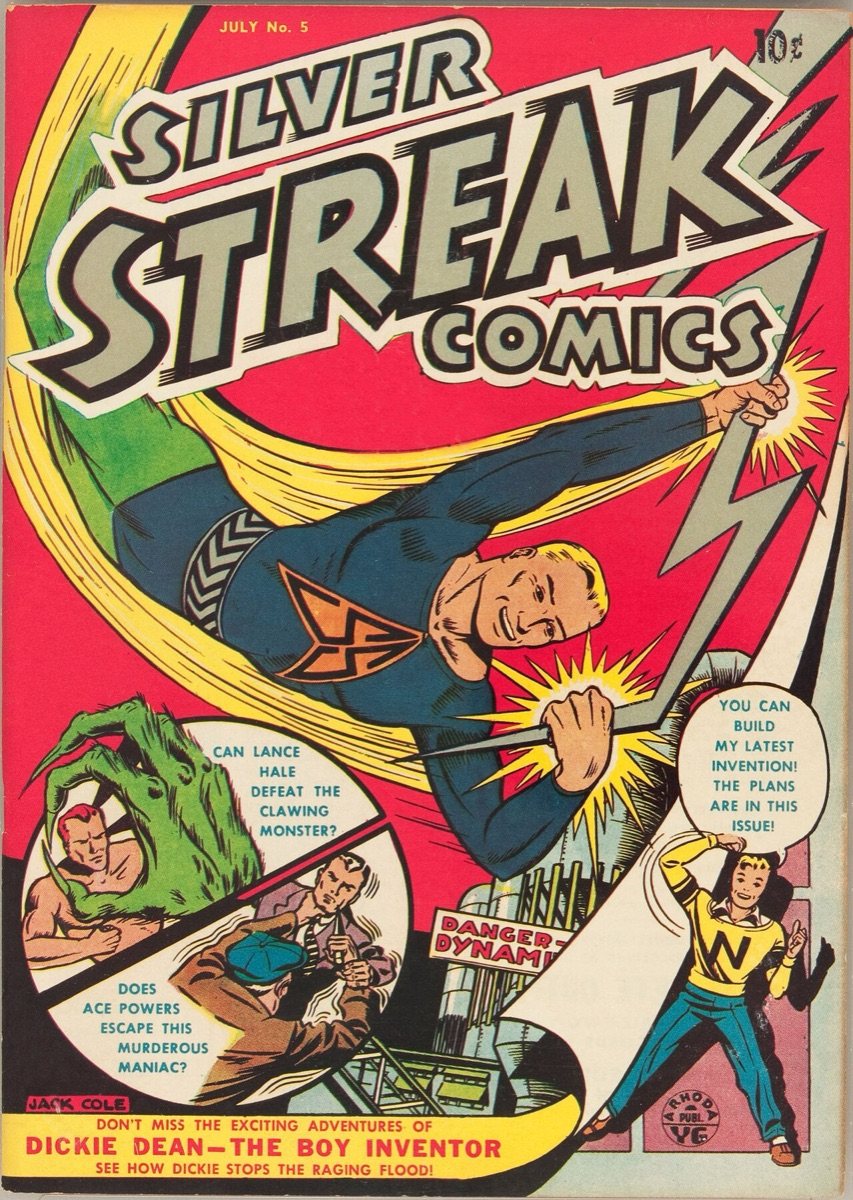
The cover of Silver Streak Comics number 5, July 1940.
Silver Streak Comics no. 5, 1940Jack Cole · public domain
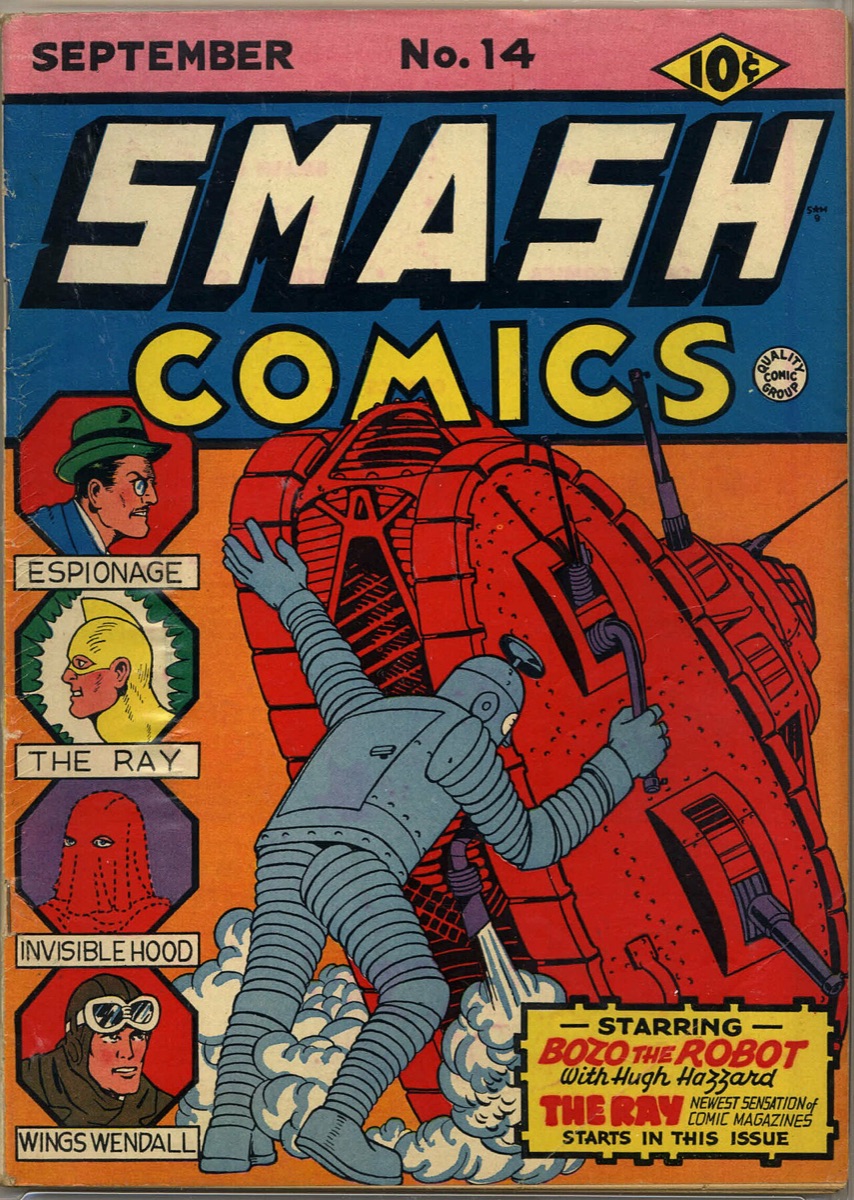
The cover of Smash Comics number 14, September 1940.
Smash Comics no. 14, 1940Gill Fox · public domain
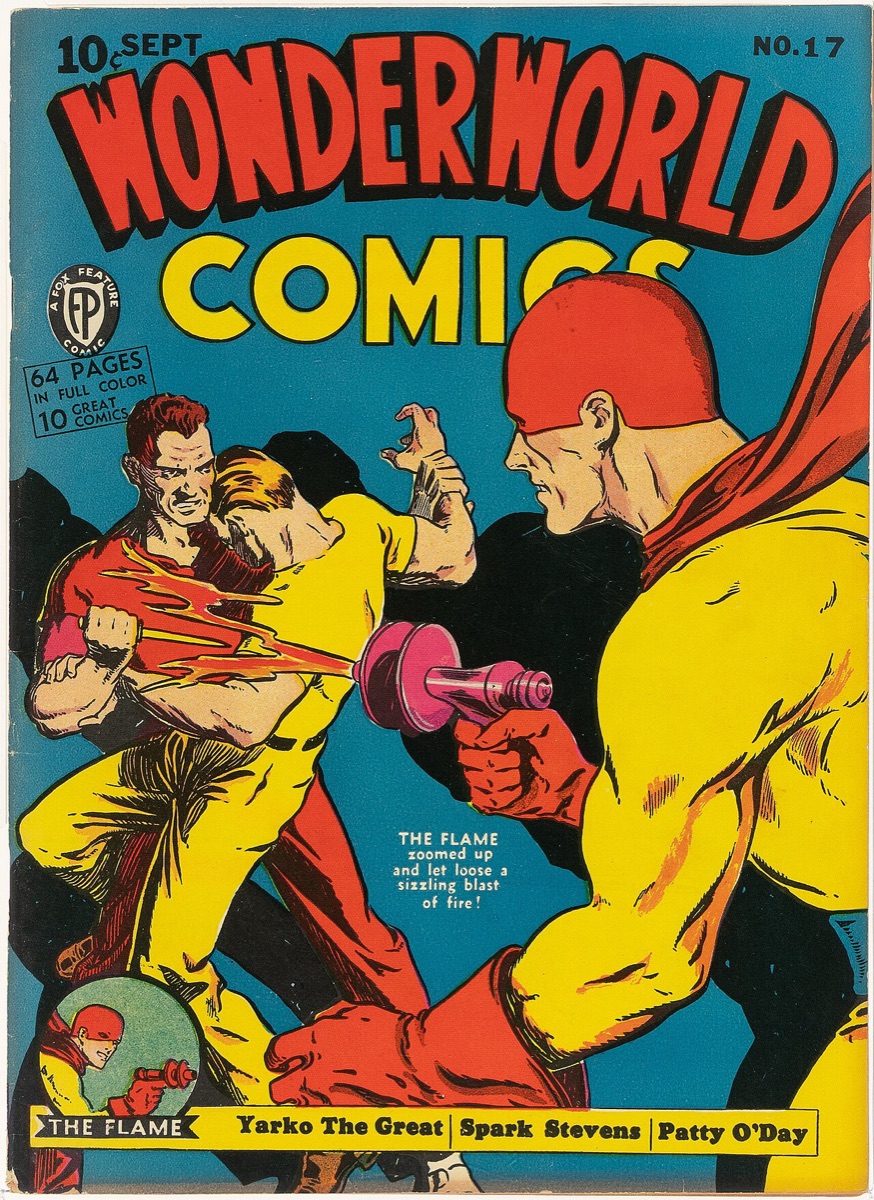
The cover of Wonderworld Comics number 17, September 1940.
Wonderworld Comics no. 17, 1940Will Eisner · public domain
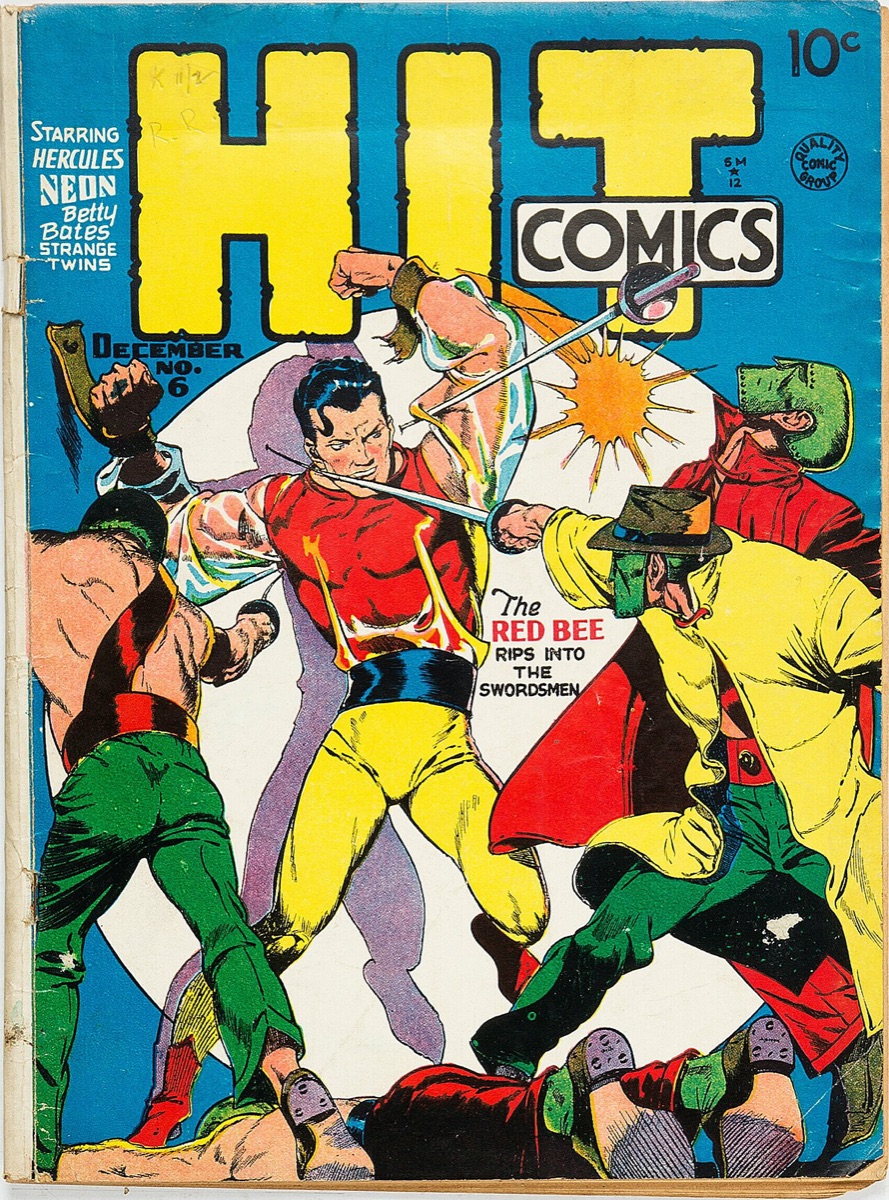
The cover of Hit Comics number 6, December 1940.
Hit Comics no. 6, 1940Lou Fine · public domain
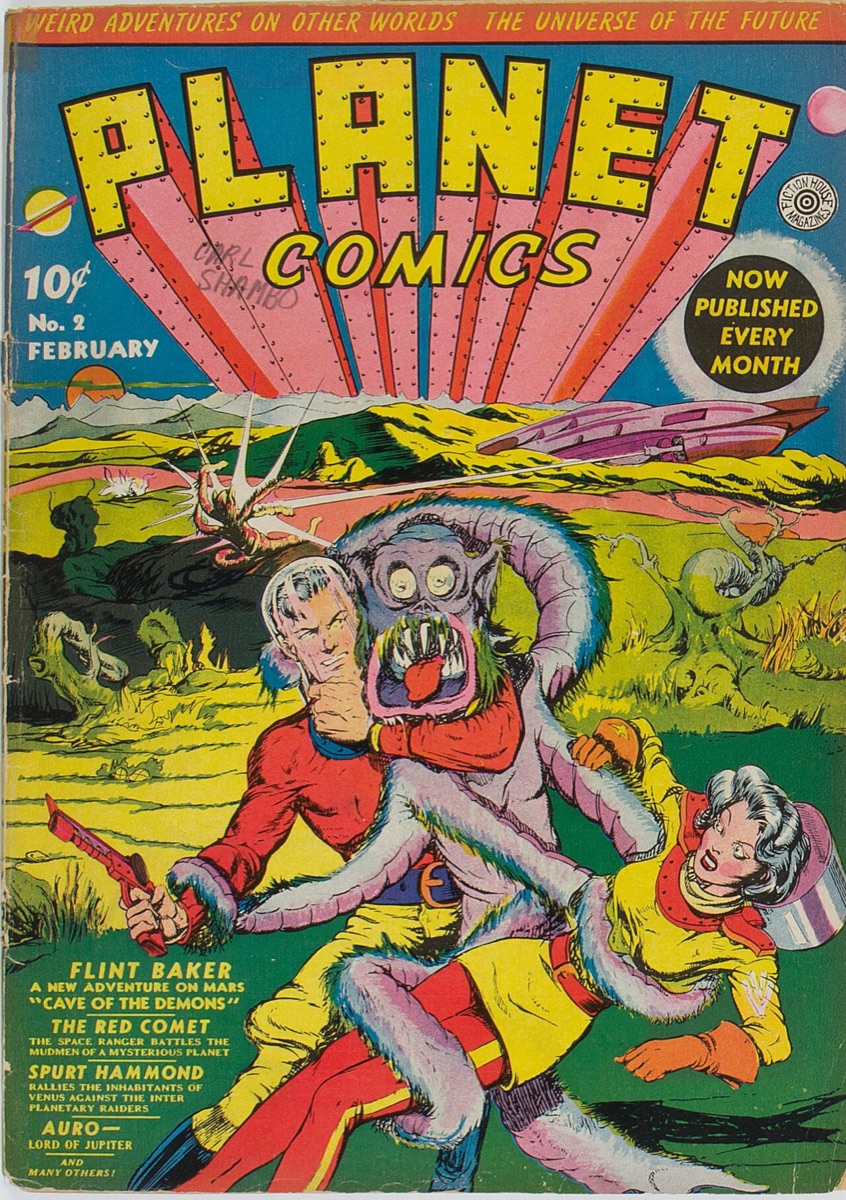
The cover of Planet Comics number 2, February 1940.
Planet Comics no. 2, 1940Lou Fine · public domain
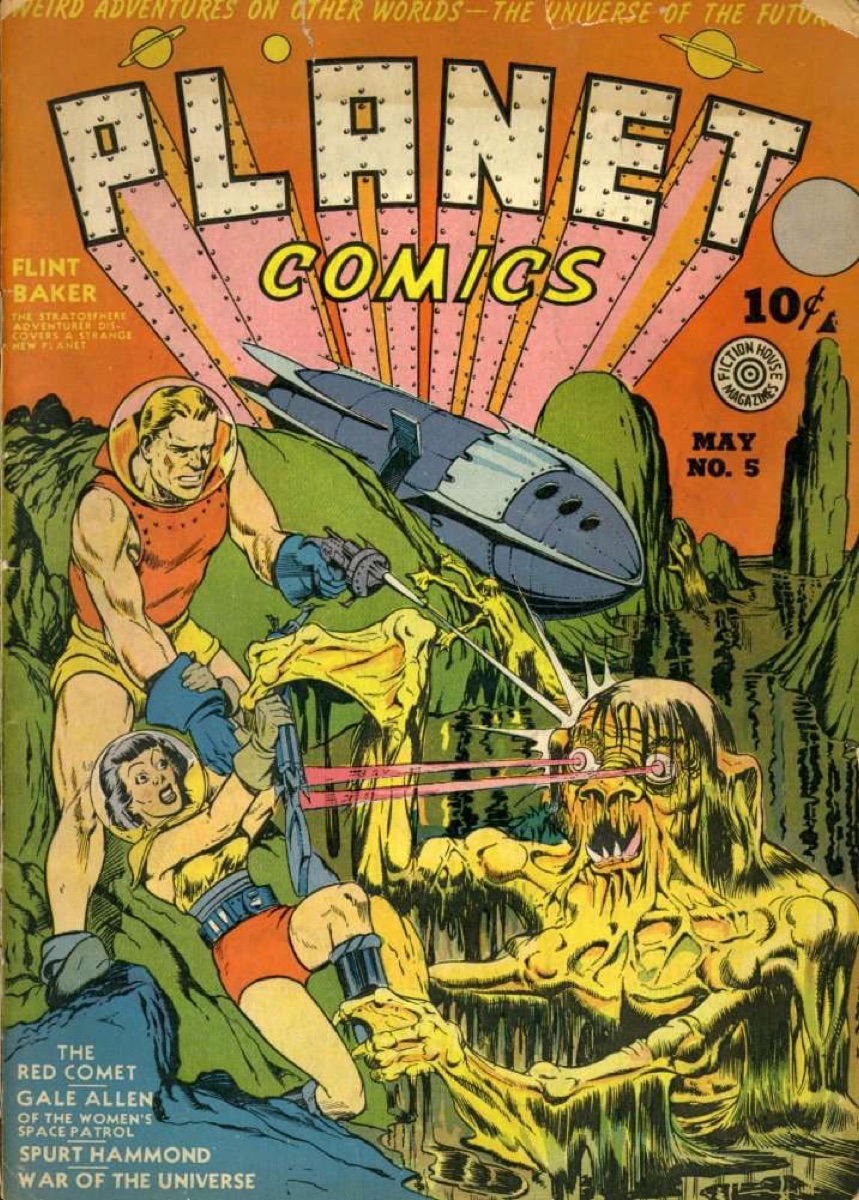
The cover of Planet Comics number 5, May 1940.
Planet Comics no. 5, 1940Will Eisner · public domain
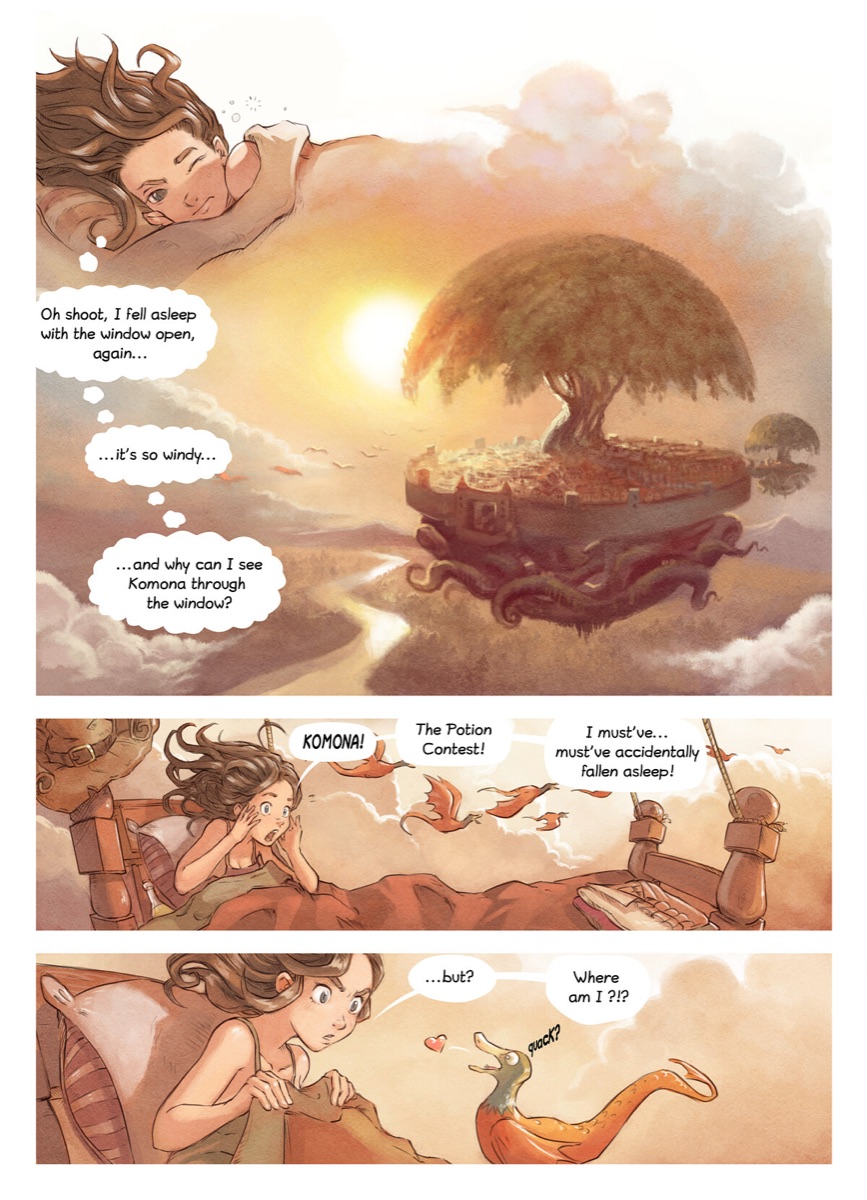
A page from Pepper and Carrot episode 6: Pepper wakes above a floating town.
Pepper & Carrot, 2015David Revoy · CC BY 4.0
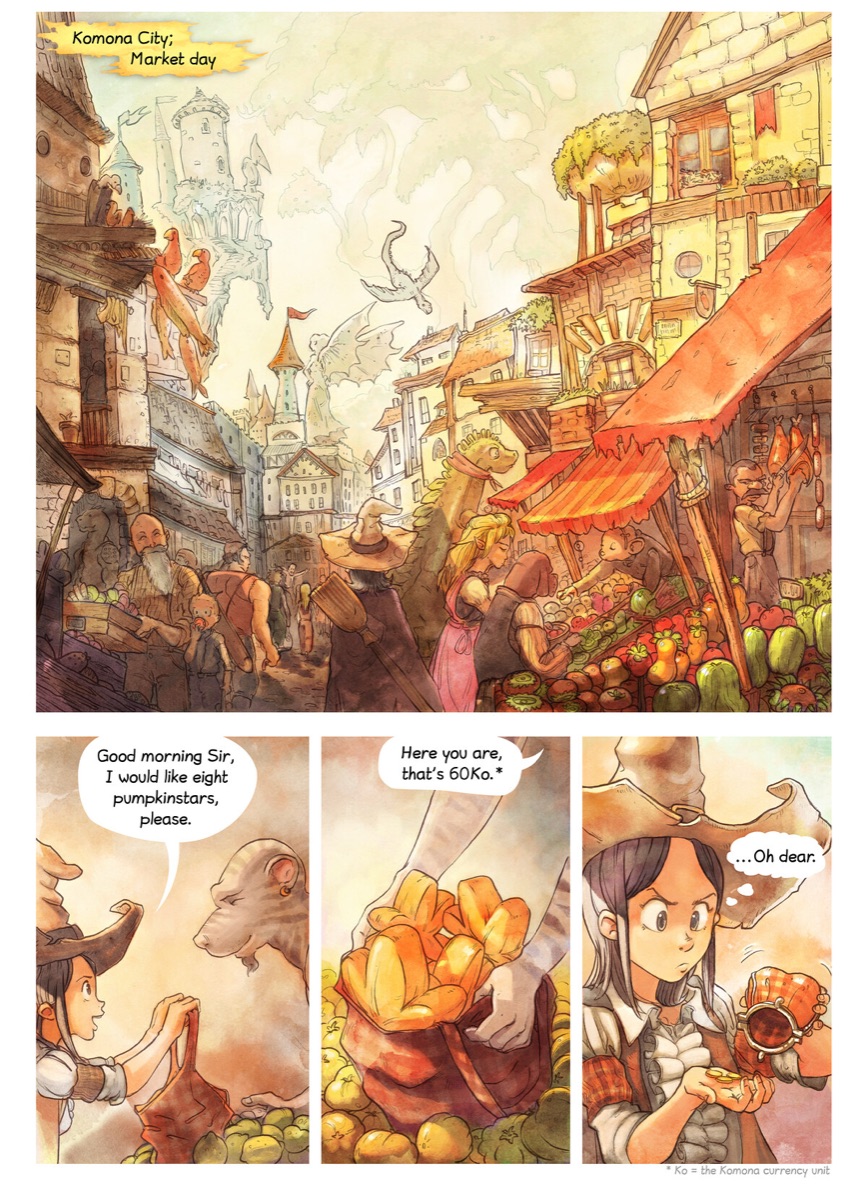
A page from Pepper and Carrot episode 2, Rainbow Potions.
Pepper & Carrot, ep. 2David Revoy · CC BY 4.0
A page from Pepper and Carrot episode 3, The Secret Ingredients.
Pepper & Carrot, ep. 3David Revoy · CC BY 4.0
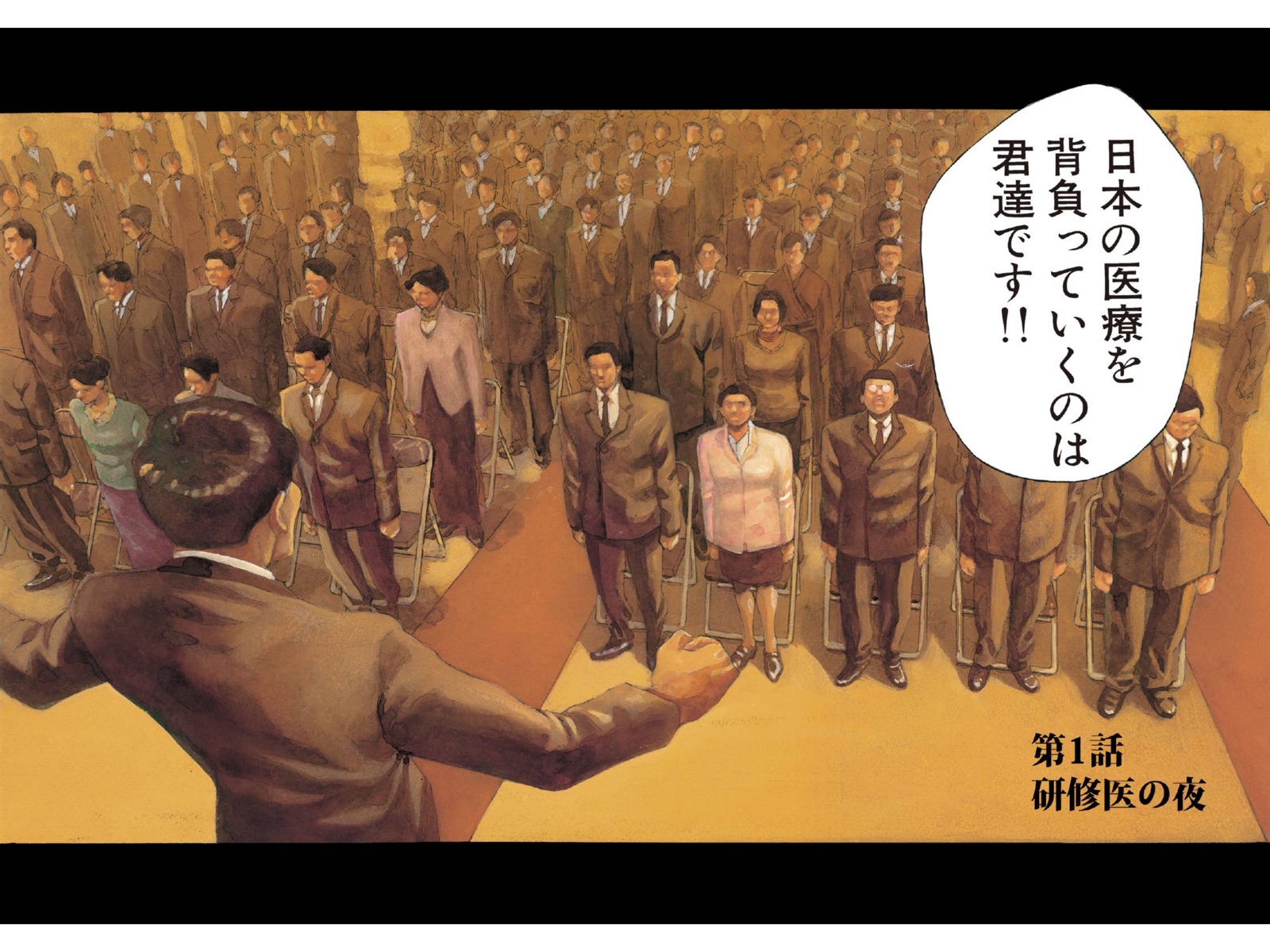
A modern manga page in Kitebubble with translated bubbles.
Manga today, in KitebubbleGive My Regards to Black Jack · Shuho Sato
Pro + AI

A reading buddy who never spoils.

Pepper wakes up in a flying bed above the floating town of Komona.

Recap

Back after a week? Get the story so far, written from the pages you have read. Nothing from the pages ahead.

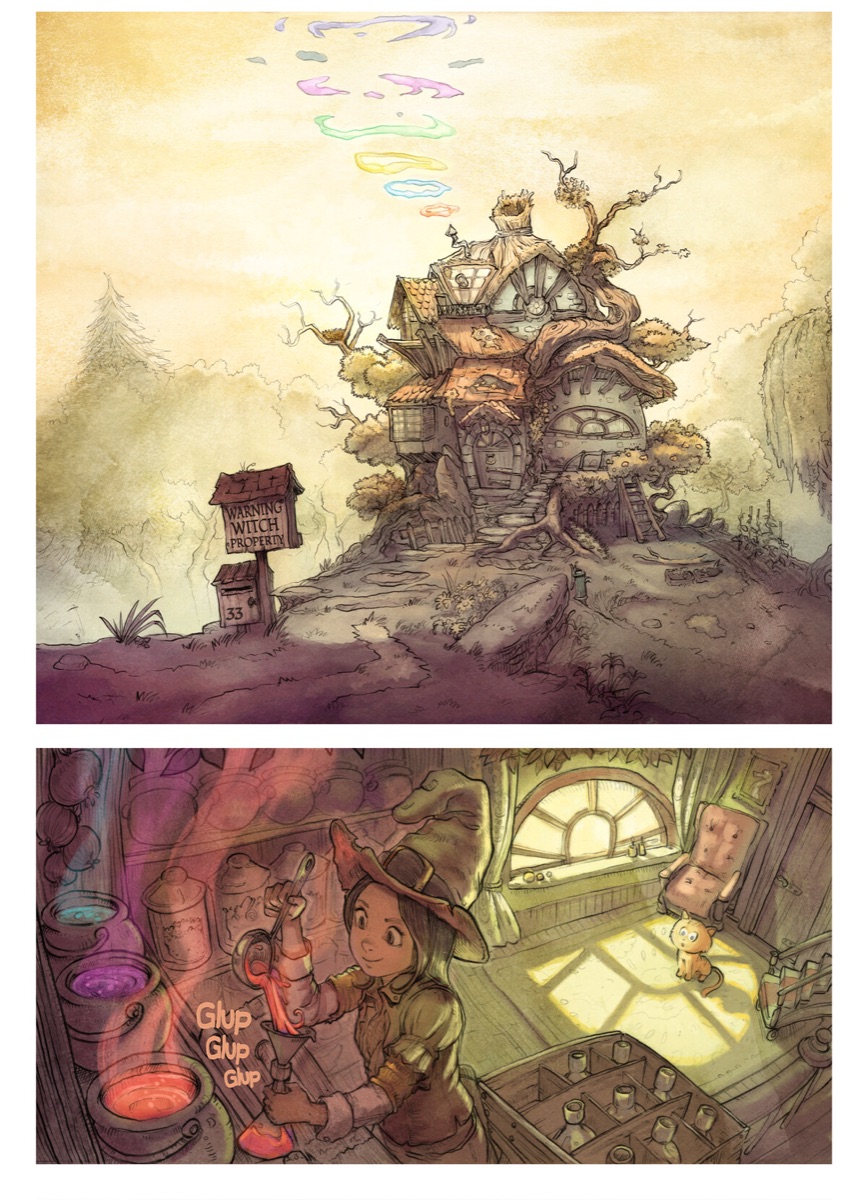
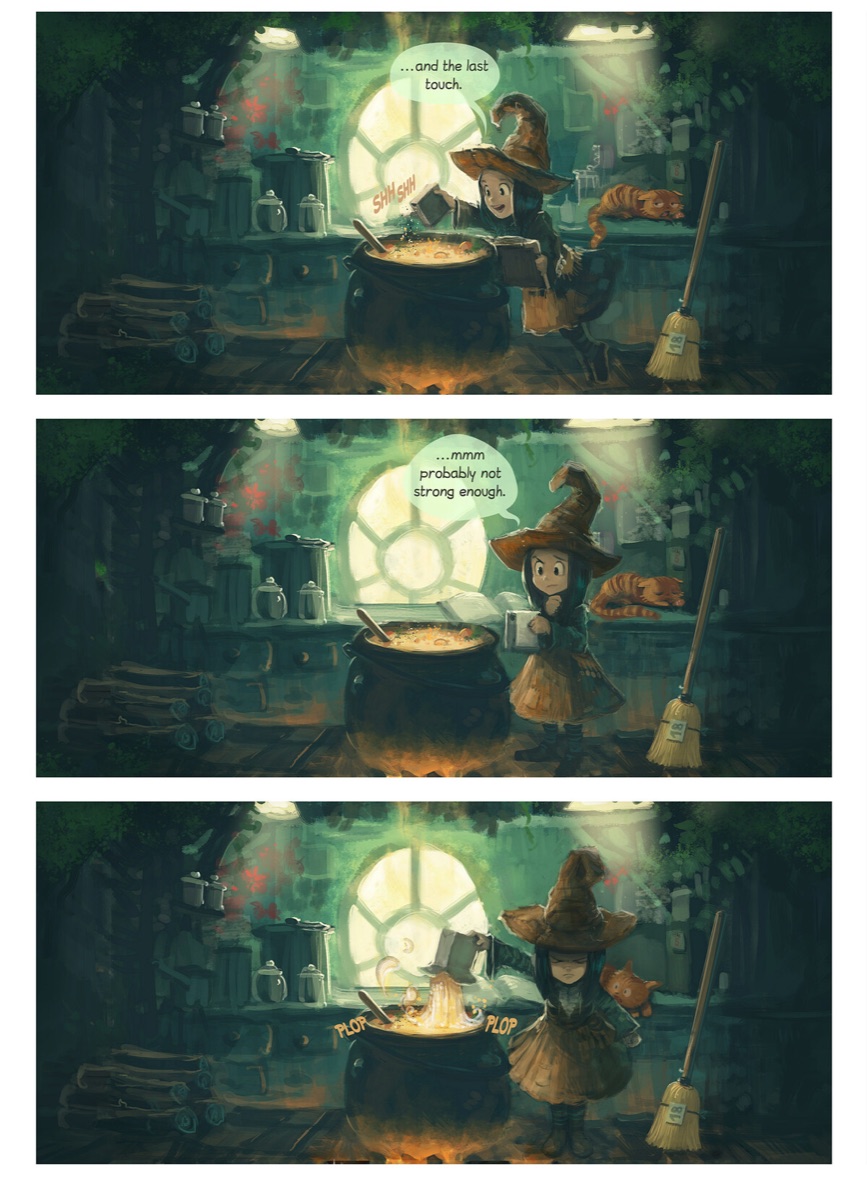
Pepper, a young witch, stirs a cauldron while her cat Carrot watches.

Who is this?

Type a name as it appears in the book. The answer uses only what you already read.

The cover of Planet Comics number 2 from 1940: a space adventure in bright colours.

Read aloud

Hear the bubbles, in the original or the translation. The page turns by itself. A natural voice for 100 pages a month, then your phone’s own voice.

Free, Pro, Pro + AI

Start free. Pay once if you want more.

Every plan includes the whole reader

Opens

CBZCBRZIPRARPDFEPUB comicsEPUB novels

Reads from

Files appKomgaKavitaCalibreany OPDS server

Reading

  • Two pages side by side on iPhone Duo and iPad, one page on iPhone, one long strip for webtoons
  • Direction from the file: right to left for manga, left to right for comics. Change it any time.
  • Page turns: slide, turn or curl, with a soft tap. Pinch to zoom. Tap zones and buttons for your left or right hand.
  • Panel by Panel: one panel at a time, zoomed to fill the screen
  • On iPhone Duo, a double-page drawing spans both screens. Shift Pages by One fixes the pairs of an odd scan.
  • Light, dark or system appearance. Your text size in novels.

Library

  • Covers, series stacks, search, filters and your own collections
  • Your place syncs back to Komga and Kavita
  • “Now Reading” widget on the Home Screen
  • On iPhone Duo: the cover on the outside screen when closed

Free

$0forever · no account

  • Everything above, for up to 3 books at a time
  • All formats, all servers, the widget
  • Delete a book to make room for the next
  • A free sample manga to try the reader
Pay once

Pro

$19.99one time · yours to keep

  • Unlimited books in your library
  • iCloud sync: your books and the page you are on, on every device signed in to your Apple Account
  • Family Sharing with up to 5 family members
  • Sharpen Old Scans: small, blurry pages made sharp on your device
  • The Comic look: ink outlines, offset shadows and caption boxes on every screen
  • All 11 library backgrounds, from Sakura to Night Sky
  • No subscription, ever

Pro + AI

$79.99a year · first 3 days free

or $8.99 a month once you have Pro

  • Pro included once the first year is paid, and yours to keep
  • Speech bubbles translated on the page into English, Japanese, Korean, Chinese (Simplified and Traditional), French, Spanish, Brazilian Portuguese or German
  • Names kept the same across the whole book
  • Recap of the story so far, and “Who is this?”, with no spoilers
  • Read aloud: a natural voice for 100 pages a month, then your phone’s own voice
  • Each month: 3,000 translated pages and 300 questions. The trial: 200 pages, 20 voice pages and 20 questions, with up to 3 books.
  • For you alone: not shared with family

Pro + AI renews every month or year unless you cancel at least 24 hours before the period ends. Cancel any time in your App Store account settings. Cancel during the free trial and you are back on the free plan.

Questions, answered like a person.

Does the app come with comics?

No. Kitebubble does not sell or supply comics. You bring your own files, or read from your own comic server. One free sample book is included so you can try the reader.

Which files can it open?

CBZ, CBR, ZIP, RAR and PDF comics, and EPUB for both picture books and novels. Light novels with vertical Japanese text work too.

What leaves my device?

Only what the AI needs: small cut-outs of the speech bubbles for translation, or the text of pages you have read for a recap. Whole pages never leave your device. Nothing you read is stored on our server or used to train AI.

Does it work on Mac? On Android?

It runs on iPhone, iPad and Mac (as an iPad app). Android is not available today.

Is the translation good?

It is good enough to read a book you could not read before. It can still get a joke or a name wrong. You can mark any translation as helpful or not helpful, and that feedback improves the service.

Can I cancel Pro + AI?

Yes, any time in your App Store account settings. The 3-day trial on the yearly plan is free; cancel in it and you are back on the free plan. After a paid year, Pro stays yours. Translations you already made stay readable. Pro is a one-time purchase and never renews.

OPEN YOUR COMICS!

Free for 3 books. No account, no ads.